We are pleased to announce the release of a major new feature in development for more than a year (GitHub PR closing issue). Credit to Jordan Byers of Advanced Research Computing at Durham University for developing this feature. The feature allows observer access to HEPData records in preparation by including an 8-character observer_key as a URL argument. The observer_key is generated automatically when a Coordinator creates a new submission by clicking the “Submit” button. A Coordinator can then choose to share the URL of the record with the observer_key argument to allow protected collaboration-wide access before a record is made public. Observer access gives permissions to view a record in preparation without needing to log in to HEPData, including access to internal download links and associated resources, without the extra permissions needed to upload or review. The remainder of this post goes into more detail.
After creating a submission, the Coordinator is shown a URL with an observer_key argument, which can be copied to the clipboard for pasting elsewhere:
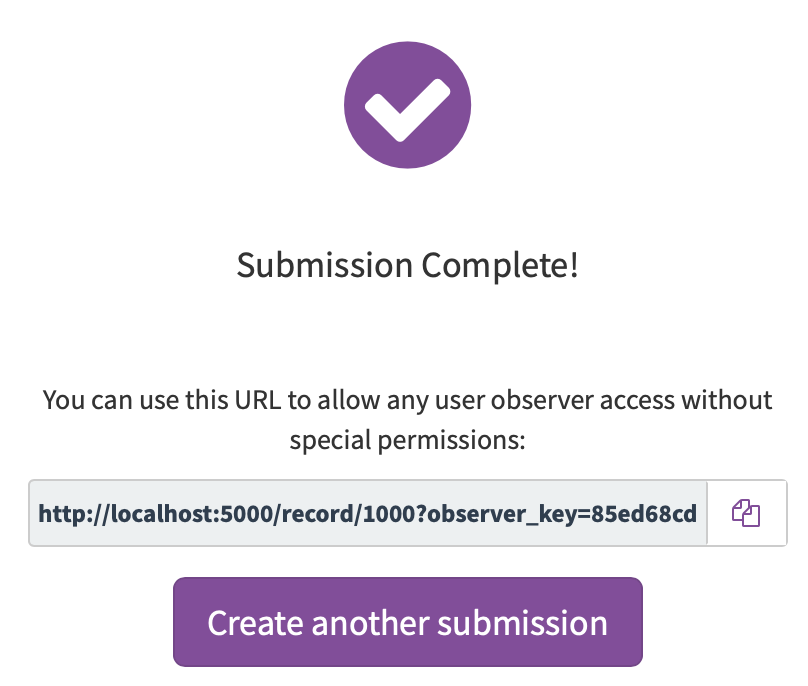
This URL with the observer_key is also included in an email sent to the Coordinator when the submission is created. It can be accessed at a later stage by clicking the “gears” icon on a Coordinator’s Dashboard to bring up the “Manage Submission” widget:
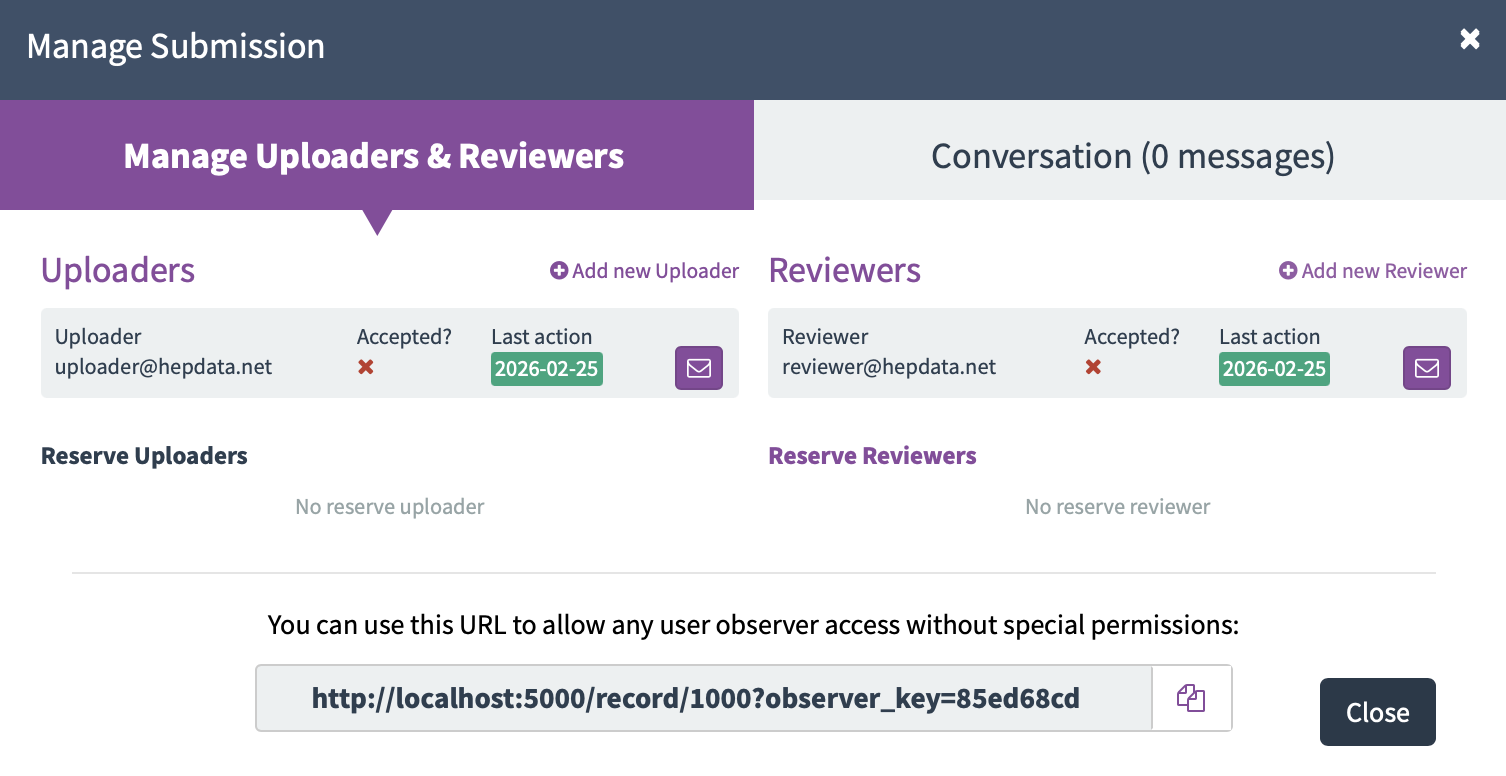
For historical submissions created (but not finalised) before this feature was introduced, the observer_key will be generated and stored in the database when the Coordinator first views the “Manage Submission” widget.
The observer_key is not visible to a user with only Uploader or Reviewer permissions, so that it is purely the Coordinator’s decision whether to share the URL granting observer access. When a record is finalised, the observer_key is deleted from the database as it is no longer required. If a record is later revised via the “Revise Submission” button, a new observer_key is generated and displayed:
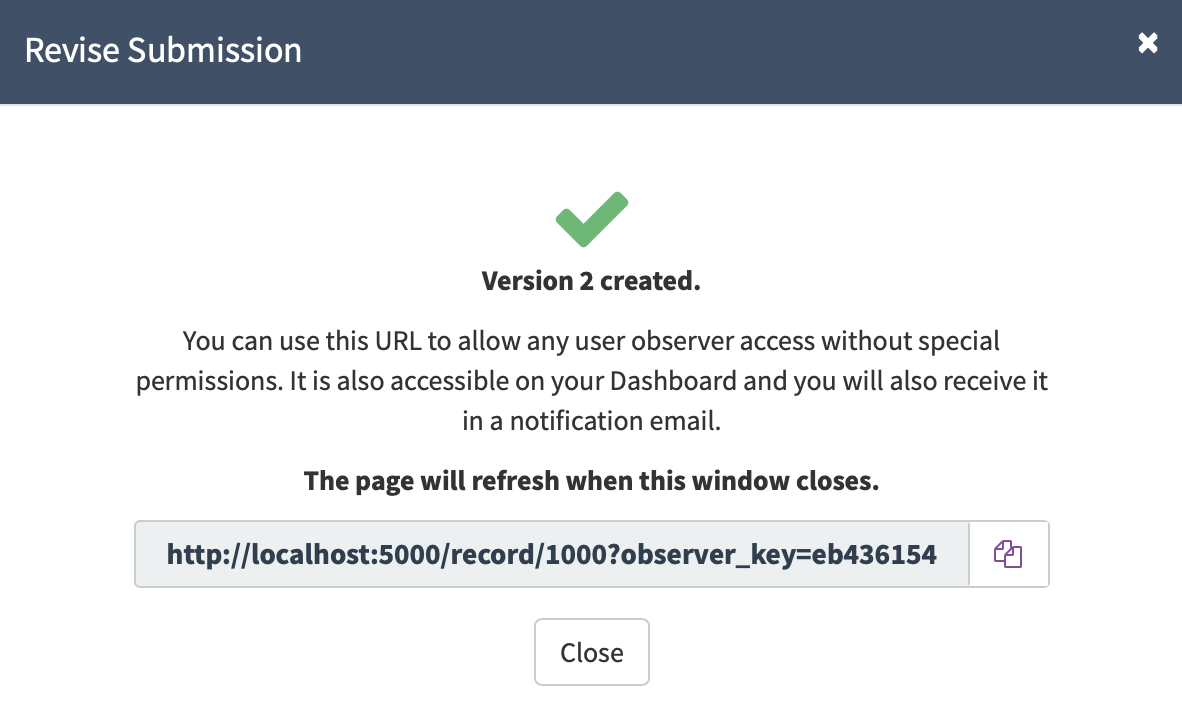
Note the different observer_key for version 2 compared to the original version 1. Again, this observer_key will be contained in an email sent to the Coordinator and is accessible via the “Manage Submission” widget on their Dashboard.
Please send any feedback to info@hepdata.net or feel free to comment on this post.